
As a small business owner, you already know how important a strong online presence is.
Your website builds credibility, reaches new customers, and can generate sales.
But with everything else you’re juggling, it’s easy for website updates to slide to the bottom of the list.
Small mistakes can create the wrong impression and even cost you customers.
Below are the most common website issues I see, along with simple ways to fix them.
1. Not Showing an Understanding of Customer Needs
.
Your website is your chance to connect with your audience. It lets you show that you understand their challenges and have a solution that helps.
Yet many small business sites spend more time talking about themselves—their experience, their credentials, their story—rather than the visitor’s needs.
Try this quick check:
Count how many times you say “we” or “our” on your homepage.
Then count how many times you say “you” or “your.”
If the first number is higher, you’re focusing too much on yourself.
Rephrase your content so it speaks directly to your audience and their pain points.

2. Confusing Navigation and User Experience

Many websites are created with little attention paid to navigation or usability.
But user experience matters. In fact, 94% of consumers say simple navigation is one of the most important parts of a website.
Confusing menus cause frustration and leave visitors with a negative impression.
To improve navigation:
-
Keep things simple — avoid cluttered pages and long lists of links.
-
Signpost the next logical step on each page.
-
Use clear categories so visitors know where they are, where they’ve been, and where they can go next.
-
If your site has lots of pages, add a search bar.
-
Want quick feedback? UsabilityHub’s free tier is a great option.
3. Not Having Clear Calls to Action
A call to action (CTA) tells visitors what to do next — fill out a form, book a call, download a guide, or make a purchase.
Two common mistakes I see:
- Too many CTAs competing for attention.
- Weak or hidden CTAs that blend in and get ignored.
Your CTA should:
-
Stand out visually (use strong contrast).
-
Be clear and action-focused.
-
Avoid generic wording like “click here” or “learn more.”
Try alternatives such as “Book now,” “Get started,” or “Download your free guide.”

4. Not Having Analytics Set Up Correctly
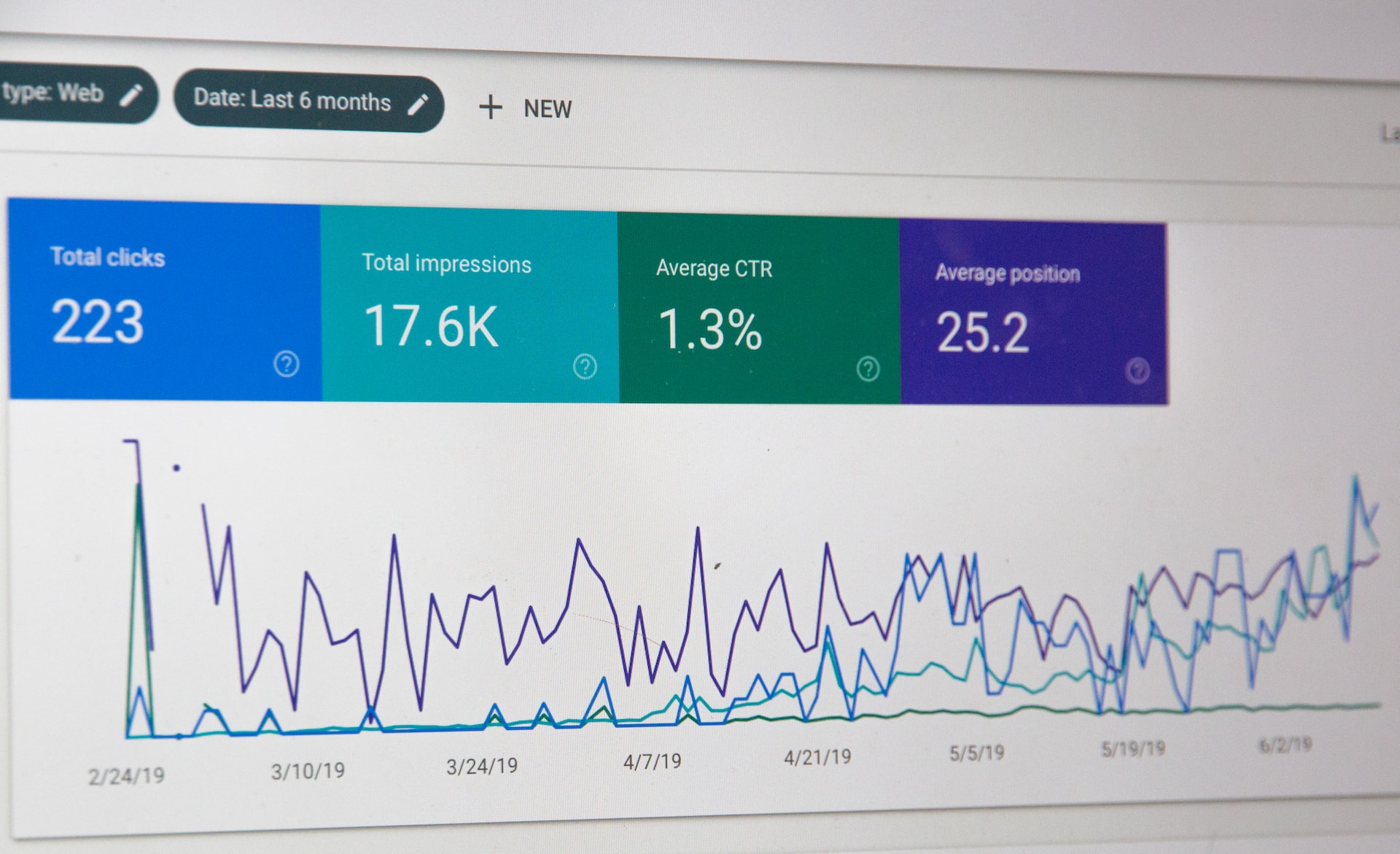
Google Analytics gives you valuable insights into visitor behaviour and website performance.
But many small business owners don’t feel confident using it—or haven’t set it up properly.
Common issues include:
-
No goals or conversions set
-
No enhanced e-commerce tracking for online shops
-
Relying on outdated Universal Analytics instead of GA4
Because Universal Analytics stopped processing data in 2023, you need a properly configured GA4 setup.
If you want help with a GA4 migration, I’m always happy to chat.
5. Slow Loading Times
A slow website makes visitors leave before they even see your content.
Just one extra second of loading time can triple your bounce rate.
Common reasons for slow sites include:
-
Large, uncompressed images
-
Too many WordPress plugins
-
Outdated or poorly coded plugins
Compress your images, remove unnecessary plugins, and keep everything updated.
These simple steps can make a huge difference.

6. Not Being Mobile-Friendly

Over 60% of all web traffic comes from mobile devices.
If your site isn’t mobile-friendly, you’re losing visitors.
I often see issues such as:
-
Tiny text that’s hard to read
-
Buttons too small to tap
-
Layouts that don’t adapt to smaller screens
Make your site responsive, increase your font size, and ensure buttons are large enough to tap easily.
Bonus tip:
Break long paragraphs into smaller chunks.
A paragraph that looks fine on desktop can feel overwhelming on a mobile screen.
7. Using Too Many Acronyms or Industry Terms
Every industry has its jargon, but your website shouldn’t feel like a technical manual.
Keep your language simple, clear, and easy to understand for all readers.
Tools like Hemingway or Readable can help you check your content for clarity.

Does Your Website Need a Refresh?
If some of these mistakes feel familiar, you’re not alone. Running a business is demanding, and website updates often get pushed aside.
That’s where I come in.
I help small businesses keep their websites updated, user-friendly, and performing the way they should.
If you’d like help avoiding costly website mistakes—or simply want a fresh pair of eyes on your site—just drop me a message.
Recent Comments